Showing posts with label Apple. Show all posts

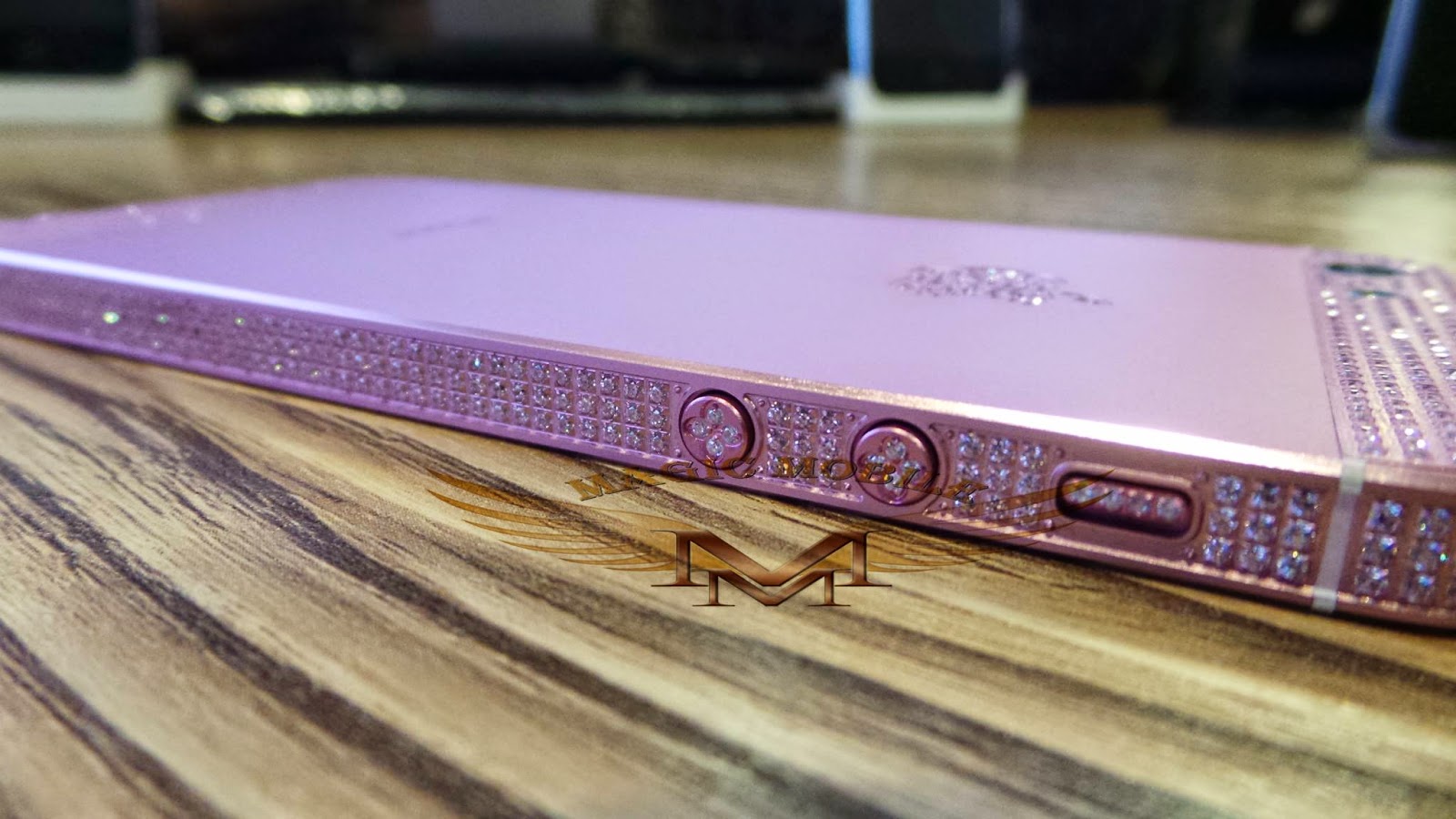
Metal Plate Back Housing

Metal Plate Back Housing


stock available
email to us sales@magicmobile53.com
Magic Mobile customer Sales Team

YOOKRX POWER BANK

Hari Raya Promotion : 1/7/2014 - 31/7/2014


5200MAH RM50
9000MAH RM69
15000MAH RM119
20000MAH RM159
Warranty : 6 Month
email to us sales@magicmobile53.com
Magic Mobile customer Sales Team


APPLE ONLINE STORE LISTS RETAIL PRICES OF IPHONE 5S AND 5C, FROM RM1999


As it turns out, Apple Malaysia did not only update its online store earlier to announce the arrival of the new MacBook Pro with Intel Haswell processors. It has also stealthily announced the retail prices of its latest iPhones, the iPhone 5s and 5c.

Without further ado, here are the retail prices:

iPhone 5c 16GB: RM1999
iPhone 5c 32GB: RM2399

iPhone 5s 16GB: RM2399
iPhone 5s 32GB: RM2749
iPhone 5s 64GB: RM3149

Apple Announces October 22 Event: “We Still Have a Lot to Cover”

Apple has officially announced that it will be holding a special event on October 22nd where the company is expected to unveil the new iPad 5 and iPad mini 2.from tomorrow’s big reveal at San Francisco’s Yerba Buena Center at 10am PDT / 1pm EDT so all eyes are on Apple’s next-generation iPads.


the latest updates to the company’s iPad line, but the new Mac Pro and OS X Mavericks will likely get some stage time, as well.
The next version of the iPad, Apple’s fifth, is expected to feature a thinner, lighter design akin to the iPad mini’s, and an improved camera. It will run Apple’s new 64-bit A7 chip, sources said. The second-generation iPad mini will be upgraded with a Retina display, and will also likely see the A7 incorporated into its innards.

“Watch the special event held at the Yerba Buena Center for the Arts Theater in San Francisco, CA,” the event listing reads.
Additionally, the company will be live-streaming the show to iOS devices and Macs through the new October 2013 event section on its Apple Events web page…
According to Apple, live streaming video requires Safari 4 or later on OS X v10.6 or later or Safari on iOS 4.2 or later. Streaming via Apple TV is supported on the second or third-generation Apple TV with software 5.0.2 or later.

Apple typically live-streams major events, but not as a rule of thumb.
Last month’s double iPhone announcement, for example, wasn’t live-streamed so fans had to wait for the video replay to go live a few hours after the event had wrapped up.


Today’s event kicks off at 10am PST / 11am MST / 12pm CT / 1pm EST.
Here are keynote times for our international readers:
• London – 6:00 p.m.
• Paris – 7:00 p.m.
• Berlin – 7:00 p.m.
• Tokyo – 2:00 a.m. (Wednesday)
• Sydney – 4:00 a.m. (Wednesday)
• Auckland – 6:00 a.m. (Wednesday)


Apple seeds iOS 7.0.3 to employees, testing partners


It looks like there is going to be one more build of Apple's  new mobile software before the company releases iOS 7.1 — popular belief suggests that iOS 7.1 will debut with Apple’s new iPads the company’s rumored October event next month. According to our sources, Apple has seeded iOS 7.0.3 to employees and partners for final testing. We’re not sure exactly when the new software will be released to the public, but we believe it will be sometime next week. The build number of iOS 7.0.3 is 11B491. Apple released  IOS 7 to the public on September 18th as a free update for iPhone 4, 4S and 5 in addition to the iPad 2, iPad, iPad mini and the fifth-generation iPod touch. iOS 7.0.1 and 7.0.2 were subsequently released with various bug fixes.

Apple To Live Stream WWDC Event on Apple TV

Overnight, Apple pushed out a WWDC app for Apple TVs in order to view the stream for the keynote!

Unfortunately there has been no indication if Apple will stream the event for desktops or iOS devices, but we will keep you updated. 


Update: Apple has announced it will stream the keynote on its website for desktops and iOS devices here. 

Live Streaming video requires Safari 4 or later on Mac OS X v10.6 or later; Safari on iOS 4.2 or later. Streaming via Apple TV requires second- or third-generation Apple TV with software 5.0.2 or later.


Copy is the easiest way to store

You can also simply share this link to invite people. Both of you will earn an extra 5 GBs for completed referrals!


    A cloud for people, friends, and companies.

Copy is the easiest way to store, protect and share amazing things. It keeps your computers in sync and your files available from anywhere, even on your mobile devices. With Copy, you can also easily share files with anyone publicly or privately. Copy for companies extends the cloud storage and sharing benefits into corporate environments with user and group management and added control of proprietary company data.


Sign up using this link and get 20gb free plus it gives me 5gb. Just make sure you complete the process by clicking the verification link and installing on one device or computer. Thanks guys 
https://copy.com/?r=4Ns19D


Apple seeds iOS 6.1.1 beta to developers

Have you Jailbroken your iPhone 5 or iPad Mini yet?? If not, DO IT NOW jailbreak iOS 6.1 untethered. Contact 016-8892238

10.00am to 8.30pm

iOS 6.1.1, or whatever its next firmware will be called, you will already have your blobs saved. Apple has been quick about closing its firmware signing window as of late, so once the new firmware is released, it might be too late to save the iOS 6.1 blobs


The release notes say that the new beta includes a number of improvements for the Maps app in Japan, including better pronunciation of roads during turn-by-turn navigation, updated icons for location categories and the addition of place data.

iOS 6.1.1 beta 1 includes the following improvements to Maps for Japan:
Improved pronunciation of roads during turn-by-turn navigation
Optimized directions to more strongly prefer highways over narrower roads
Now indicates upcoming toll roads during turn-by-turn navigation
Added labels for junctions, interchanges, on-ramps, off-ramps, and intersections
Added indicators for transit station buildings, subway lines, and traffic lights
Updated freeway color to green
Updated icons for some location categories including fire stations, hospitals, and post offices Added 3D buildings including Tokyo Station, Japan Imperial Palace, and Tokyo Tower

Pod2g Urges Apple to Release iOS 6.1

Pod2g has chimed in to a series of tweets from jailbreak developers that suggests a publicly releasable jailbreak has been found but is just waiting for the release of iOS 6.1.

Yesterday, we reported that planetbeing had said, "Tons of progress the last few days. I think the future is looking bright for jailbreaking. :)"


This is the strongest evidence yet that the devs have found a jailbreak that can now be released to the public but are still waiting for the release of iOS 6.1 so as not to burn an exploit. There would be no point in releasing a jailbreak at this time for a firmware version that will be updated in just a few days.


To keep up to date with the latest jailbreak news please follow on Twitter, Facebook, Google+, or RSS.

Apple Tv 1080P

Apple Tv 1080P now available @MagicMobile
Limited stock. if interested, pls call me.+60168892238

IPhone 4 Silver Diamond

Silver Diamond


Compatible for

iPhone 4 (4th Generation) 16GB
iPhone 4 (4th Generation) 32GB

Apple releases iOS 5.1 beta for iPhone, iPod touch and iPads to developers


Apple just started seeding iOS 5.1 moments ago to iOS developers. The new build is available for the iPhone 4S, iPhone 4, iPhone 3GS, iPad 2, iPad and third and fourth-generation iPod touch devices. We’ll let you know if this new release further fixes battery life and if we find any other changes. Apple’s full change log for this release follows below.


NOTES AND KNOWN ISSUES

The following issues relate to using the 5.1 SDK to develop code.

Accounts
When creating an iCloud account, you can use any Apple ID as long as it is a full email address and not a MobileMe account. If you have a MobileMe account, you can move that account to iCloud. You can find more information at: http://me.com/move

APIs
The NSNetService class and CFNetService APIs do not include P2P interfaces by default. To browse, register, or resolve services over P2P interfaces, an application needs to use the Bonjour DNSService*() APIs noted below.
Setting the interfaceIndex parameter to kDNSServiceInterfaceIndexAny in the following API’s will not include P2P interfaces by default. To include P2P interfaces, you must now set thekDNSServiceFlagsIncludeP2P flag when using kDNSServiceInterfaceIndexAny or set the interfaceIndex to kDNSServiceInterfaceIndexP2P. The affected APIs are:
DNSServiceBrowse
DNSServiceRegister
DNSServiceResolve
DNSServiceRegisterRecord
DNSServiceQueryRecord
GameKit
App Icons and Profile Photos are not loading in apps using Game Center.

iCloud Storage
Provisioning profiles must be enabled for iCloud in the iOS Provisioning Portal. You can enable a provisioning profile for iCloud by navigating to the App ID section of the iOS Provisioning Portal and configuring your App ID for iCloud. After enabling the App ID for iCloud, regenerate your provisioning profiles to enable them for iCloud.
The setSortDescriptors: method of NSMetadataQuery is not supported.
In iOS 5, files that are protected via Data Protection cannot be used with iCloud Storage APIs.
File names are case-insensitive in Mac OS X but case-sensitive in iOS. This can lead to problems when sharing files between the two using iCloud. You should take steps on iOS to avoid creating files whose names differ only by case.
Movie Player
Starting in iOS 5.0, in order to facilitate finer-grained playback control, a movie player is not automatically prepared to play upon creation. Call the prepareToPlay method to prepare the movie player. For more information, see MPMoviePlayerController Class Reference

Music Player
Using shake-to-shuffle causes Music app to freeze and playback to stop.

Newsstand
FIXED: Deleting an issue that was marked as the currently reading issue could cause a crash.

Security
In iOS 5, the signing of certificates with MD5 signatures is not supported. Please ensure that certificates use signature algorithms based on SHA1 or SHA2.

Xcode/Developer Tools
A bug in the documentation organizer causes an exception when you type in any field in the content area. To prevent the need to log in to the developer website from Xcode, download documentation sets locally using Xcode’s documentation preference pane and enable the ‘Check for and install updates automatically’ checkbox as a workaround.
“uninstall-devtools” script mistakenly removes files and packages even if Xcode is still running. Be sure to quit any running copy of Xcode before starting the “uninstall-devtools” script.
The Network Link Conditioner daemon cannot be launched after installing the Networking Link Conditioner without a reboot. You can manually workaround the issue with a restart or by the following command: sudo launchctl load /system/library/launchdaemons/com.apple.networklinkconditioner.plist.]
In the iOS 5 development tools, it is possible to extract APIs used by an application and have them checked for use of private APIs. This option is offered when you validate your application for app submission.


- Posted using from my iPad

SwitchEasy™ Thins For iPad / iPad2


Thins
For iPad / iPad2
Key Features:

Ultra thin 4mm sleeving protection solution for
your iPad / iPad2
Made from highly durable Neoprene material
Reinforced flap panel for quick and easy use
Revolutionary heat-sealed edges and no stitch line design
Compatible with SwitchEasy™ CoverBuddy™
or NUDE™


- Posted using from my iPad

IPad 2 Jaibreak On 4.3.3

My iPad 2 Is on 4.3.3 IOS
jailbreak the device ,should donate to @comex


- Posted from my iPhone4

Location:Lorong Bunga Kenanga 1a,Kuching,Malaysia

calling with iPad 3G

now available to iPad 1 users. iPhoneIslam Team, The Team Who Brings You FaceIt3GS. A hack that will change the game.

With No special hardware all what you need is Jailbroken iPad 3G and your iPad 3G will do anything you expect from iPhone… Phone Calls, SMS, FaceTime by Phone Number… ETC