Showing posts with label iPhone. Show all posts

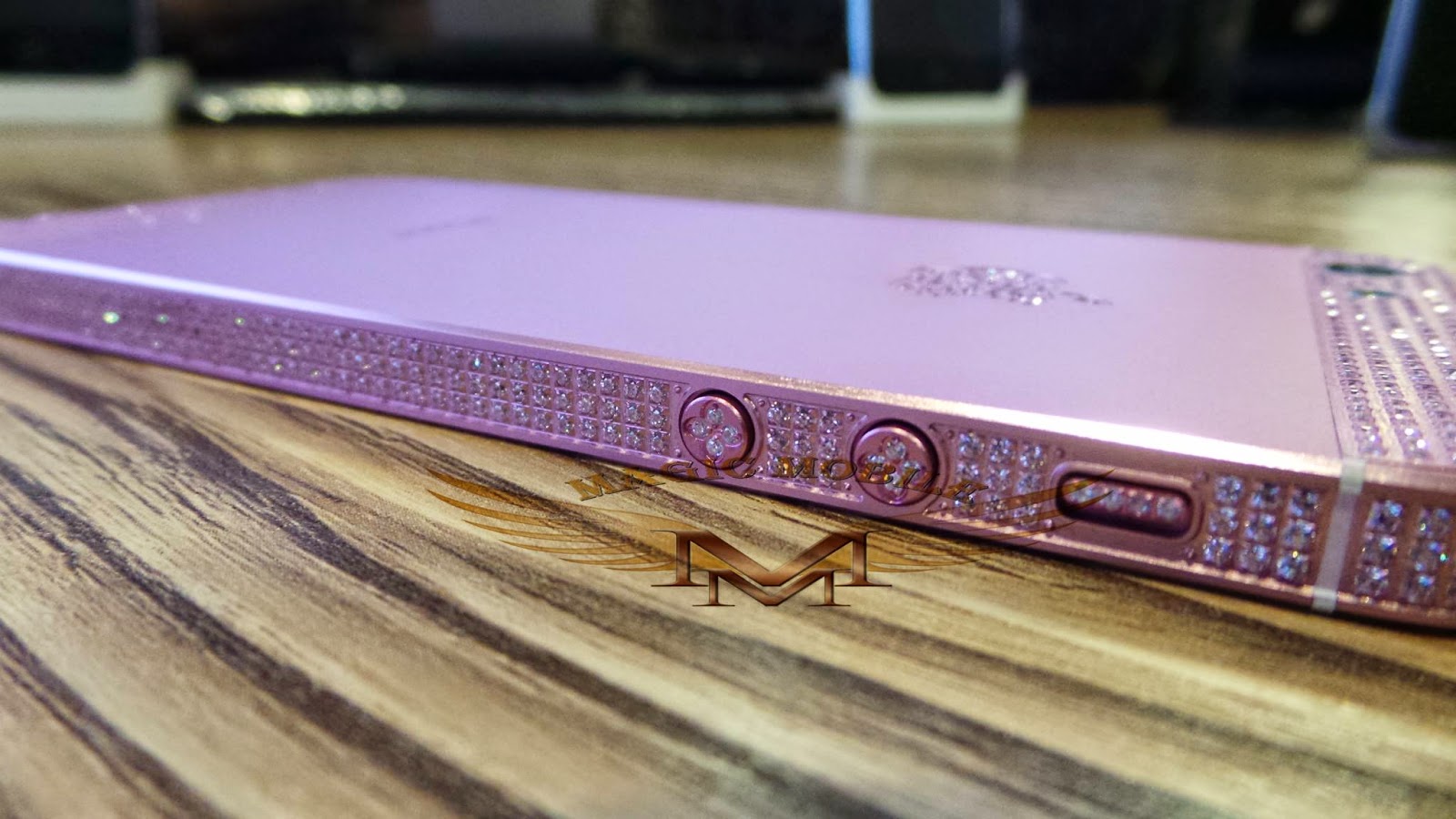
Metal Plate Back Housing

Metal Plate Back Housing


stock available
email to us sales@magicmobile53.com
Magic Mobile customer Sales Team

Apple Introduces iTunes 10 With Ping Social Music Network


Apple today introduced iTunes 10 with Ping, a new music-oriented social network for following your favorite artists and friends to discover what music they’re talking about, listening to and downloading. iTunes Ping lets you post your thoughts and opinions, your favorite albums and songs, the music you’ve downloaded from iTunes, plus view concert listings and tell your friends which concerts you plan to attend. iTunes 10 also features HD TV show rentals for just 99 cents an episode and AirPlay wireless music playback.

“iTunes is the number one music community in the world, with over 160 million iTunes users in 23 countries, and now we’re adding social networking with Ping,” said Steve Jobs, Apple’s CEO. “With Ping you can follow your favorite artists and friends and join a worldwide conversation with music’s most passionate fans.”

Ping lets you follow your favorite artists to see what they’re up to, check out photos and videos they’ve posted, see their tour dates and read comments about other artists and albums they’re listening to. You can also create a profile on iTunes to let your friends know who you’re following, what you’re listening to and which concerts you’re going to. There’s no better way to discover new music than to find out what your friends are listening to, and Ping’s Recent Activity feed shows you their posts about artists, albums, songs and concerts, plus a consolidated Top 10 list of the songs and albums your friends and the artists you follow are downloading from iTunes. In addition to using Ping on your desktop computer, you can take it with you on your iPhone or iPod touch, so you’re always plugged into your personal music scene.

With iTunes 10, you can rent your favorite HD TV shows commercial free from ABC, ABC Family, Fox, Disney Channel and BBC America and watch them at home or on the go for just 99 cents an episode. Thousands of episodes are available, many the day after broadcast, to watch on your Mac or PC, iPhone, iPod touch and the all-new Apple TV, and you have 30 days from the moment you rent an episode to start watching it, and 48 hours after that to finish it.

iTunes 10 also features AirPlay wireless music playback to listen to your music on remote speakers using Apple’s AirPort Express base station. In addition, AirPlay now works without AirPort Express, using speakers, receivers and stereo systems from companies including Bowers & Wilkins, JBL, Denon and iHome, so you can enjoy your entire iTunes music library wirelessly from any room in the house with no extra gear required.

iTunes 10 is available immediately as a free download at www.itunes.com.

Make Ringtones Directly On iPhone Using Your Music Library


UnlimTones has been available in Magic Mobile repo and cydia for quite a while, it allows you to download iphone ringtones directly from audiko.net, a popular site for uploading your own music and making your own ringtones.

A couple of days ago this great app got a major upgrade, it now lets you create ringtones directly on your iphone using your ipod music library. The app has had this feature for quite sometime now but the latest update removes the ffmpeg dependency and runs a lot smoother. To get started

You have to be jailbroken, sorry to those who aren’t. Open up cydia, add http://cydia.myrepospace.com/MagicMobile/ to your Cydia Sources search and install UnlimTones. Now go on and enjoy making ringtones from your music library.

Remember to use the plus or minus buttons to put the timer exactly where you want and get that perfect ringtone. Take note that making a ringtone using this app puts it in the default apple ringtones list so you have to look for your ringtone there and not under the custom ringtones list synced with itunes.

To those with older iphone models be patient as making a ringtone may take a while to finish. Overall what we’ve all been waiting for has never been any easier. The ads popping up everywhere within the app are a little annoying but its ok as we can finally make ringtones whenever, wherever and however we want.

Dev Team Jailbreaks iPhone OS 4 In Just 19 Hours


That has to be one of the fastest jailbreak ever! Just about 19 hours after Apple gave us a sneak peek at the future of iPhone OS and made the beta available to developers, the Dev Team managed to jailbreak iPhone OS 4.

MuscleNerd just tweeted the following along with a video of a jailbroken iPhone running OS 4 and Veency, a VNC app for jailbroken iPhones.

Something you’ll only find on JB 4.0: VNC http://is.gd/blzeg (BTW don’t bother with betas, they’re *very* buggy!)


There is no realease date and I don’t think this jailbreak will even be made available until the official release of iPhone OS 4. Still, I’m getting all excited just thinking about it.


-- Post From My iPhone3g

Firmware 4.0 – 7 Main New Features – Overview


Apple’s announcement today on firmware 4.0 (which is due to be released summer 2010… dev preview released today) contains over 100 new user features however, they spent the majority of the time focusing on the 7 major new features. This is just a quick overview of what those seven new features are. We will talk about each one separately and more in-depth… as soon as we have them written.

1. Multitasking.
We have been waiting for a stock implementation of this for quite some time now and it seems Apple has been working on it for just as long. They are obviously aware of the affect of multitasking (all of us jailbreakers are also aware of those affects!).

“It’s easy to do this in a way that drains battery life, and a way that reduces performance of the foreground app. If you don’t do it right, your phone will feel sluggish. We figured out how to implement multitasking for third party apps and avoid those things. So that’s what took so long. I’d like to demo it. We have a great UI.”

Multitasking will allow you to run applications in the background such as Pandora (which can be controlled from the lockscreen… pretty sweet), Skype (VOIP), Turn-by-Turn apps (such as TomTom), Social Networking Apps (like Loopt or FourSquare), games, allowing things to download in the background… etc.

You will be able to view a list of backgrounded apps by double-tapping the Home Button.

“I’m gonna launch mail, this has a URL — so I jump to safari — so I want to go back to mail… I double click the home button and a window raises that shows me all the apps that are running.”

There are a lot more features to the new Multitasking and we will go into those on a separate post.

2. Folders.
Folder (similar to Categories in the jailbreak community) is a feature that allows you to put your applications into topic specific folders. For example, you could create a Games folder which would contain all your games. This makes finding applications quicker and easier.

Applications can be added to a folder using the stock “move” feature… you know, when you tap and hold and they all start wiggling… and then drag and dropped into a folder.

“I want to make a folder with games in it. I have several games, so I just push my finger on an app, they start to jiggle, and I just drag one app on top of another and it instantly makes a folder. It also automatically names the folder based on the categories of these apps, or I can rename.”

After a folder has been created, it can be moved anywhere on the device… including the dock.

They also seemed to throw the ability to change your iPhone/iPod touches wallpaper into this category as well. So, you are also now about to set an image as your actual wallpaper and not just your lockscreen.

3. Enhanced Mail Application.
The enhanced mail includes a “unified inbox.” This means that all of your mail will be in one inbox however, it does allows for the ability to focus on one specific email account as well as the ability to organize email by thread.

A few other cool features are the ability for more than one Exchange account and “the ability to get an attachment and open it with an app for the app store.”

4. iBooks.
Yep, if you were feeling a little left out that the iPad had iBooks and the iPhone did not, fret no more. They have implemented iBooks into the 4.0 software. It basically looks the same as the iPad version. The ebook reader will allow you to “wirelessly sync your books between platforms” as well as include free Winnie the Pooh.

5. Enterprise.
This includes; better data protection, mobile device management, wireless app distribution, multiple Exchange accounts, Exchange Server 2010, and SSL VPN support.

6. Game Center.
This is basically a social gaming network… think Xbox Live. It will include; the ability to invite friends, achievements, leaderboards, match making… etc. It isn’t clear if this will be available with the release of the 4.0 firmware this summer. They said that it will be available for everyone, “later this year.”

“Gaming is extremely popular on the iPhone and iPod touch. We have 50,000 games. We want to make gaming even better on the iPhone — so we added a social gaming network.”

7. iAd.
These are basically interactive advertisements with-in applications.

“We have a lot of free or reasonably priced apps… we like that, but our devs have to find ways to make money. So our devs are putting ads into apps, and for lack of a better way to say it, we think most of this kind of advertising sucks.”

So, apparently they created there own advertising method. It’s pretty in-depth. The ads will be interactive including things like; games, wallpapers, maps, downloads, videos… right within the ad. It is almost as if the ads become their own application.

4.0 Release Info:

“We are releasing it for end users for iPhone and iPod touch for users this summer. For the 3GS and iPod touch 3rd gen. And, for iPhone 3G and iPod touch 2nd gen, they will run many things… but there are some things they won’t run, like multitasking. And, we’re bringing OS 4 to the iPad this Fall.”


-- Post From My iPhone3g